
Connect WhatsApp Business API
Learn how to link your Meta Cloud API and WhatsApp Business phone number to ReplyEarly.
Prerequisites
- An active Meta Business Manager account.
- A phone number that is not currently active on regular WhatsApp / WhatsApp Business app (or deleted from mobile app).
- Access to receive SMS or Voice OTP for verification.
Click 'Connect with Meta'
From your ReplyEarly workspace settings, navigate to Channels > WhatsApp and click Connect with Meta. A secure Meta pop-up window will open.
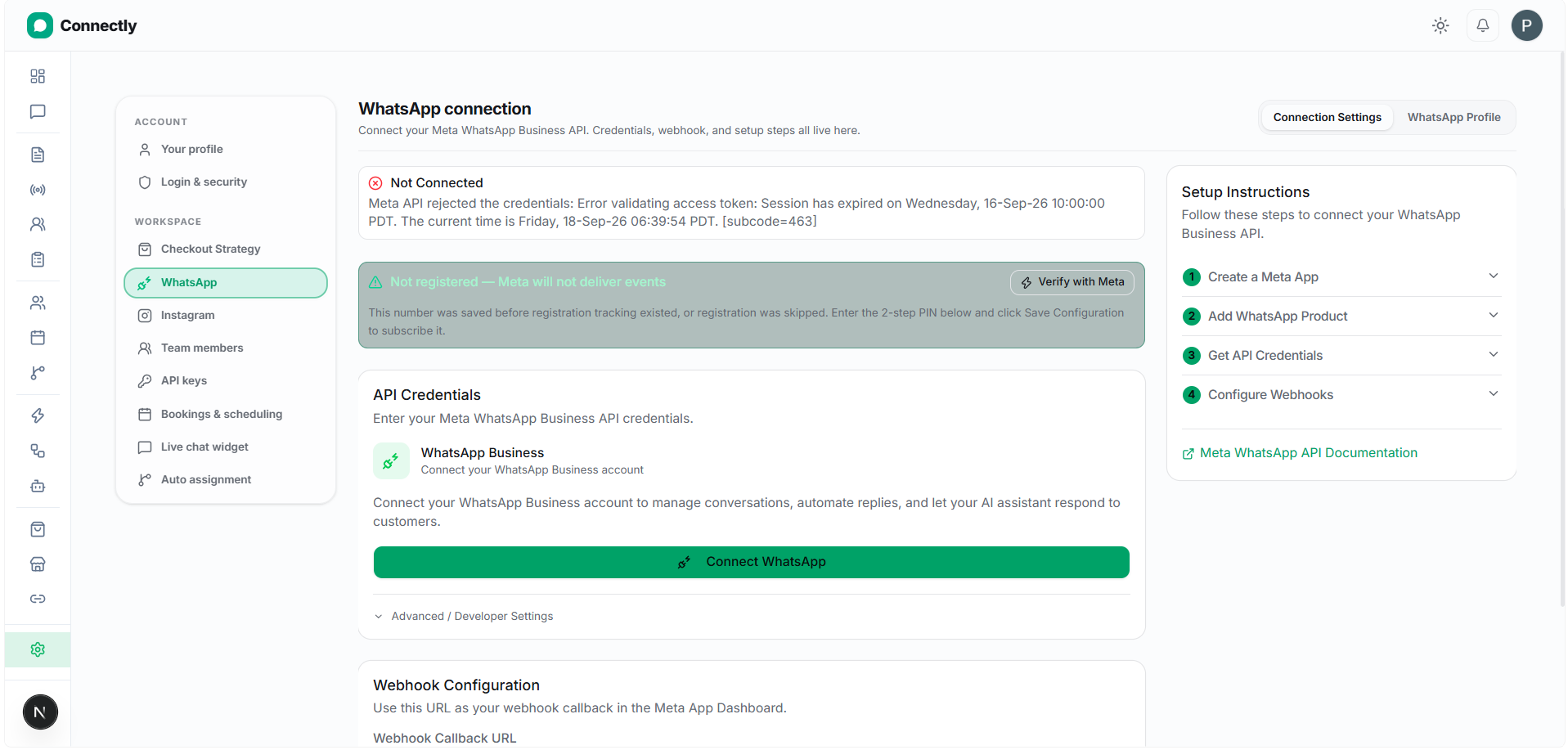
UI Preview: Launch Meta Embedded Signup dialog to grant WhatsApp API permissions.
Pro tip: Log in with the Facebook account that holds admin access to your Meta Business Manager.
Select or register your WhatsApp phone number
Select your Meta Business Account and choose an existing WhatsApp Business Account (WABA) or create a new one. Enter your official display name and business phone number.
Verify your phone number with OTP
Choose SMS or Voice Call to receive a 6-digit verification code from Meta. Enter the OTP code to complete the connection. Your channel will instantly switch to CONNECTED status.