
Invite Team Members
Collaborate with your sales, support, and marketing teams inside a shared ReplyEarly workspace.
You can assign specific roles (Owner, Admin, Agent, Viewer) to control access to billing, templates, and customer data.
1
Navigate to Team Settings
From the bottom-left sidebar, click Settings > Team Members. Here you will see a list of active team members and pending invitations.
app.replyearly.com
Team Settings UI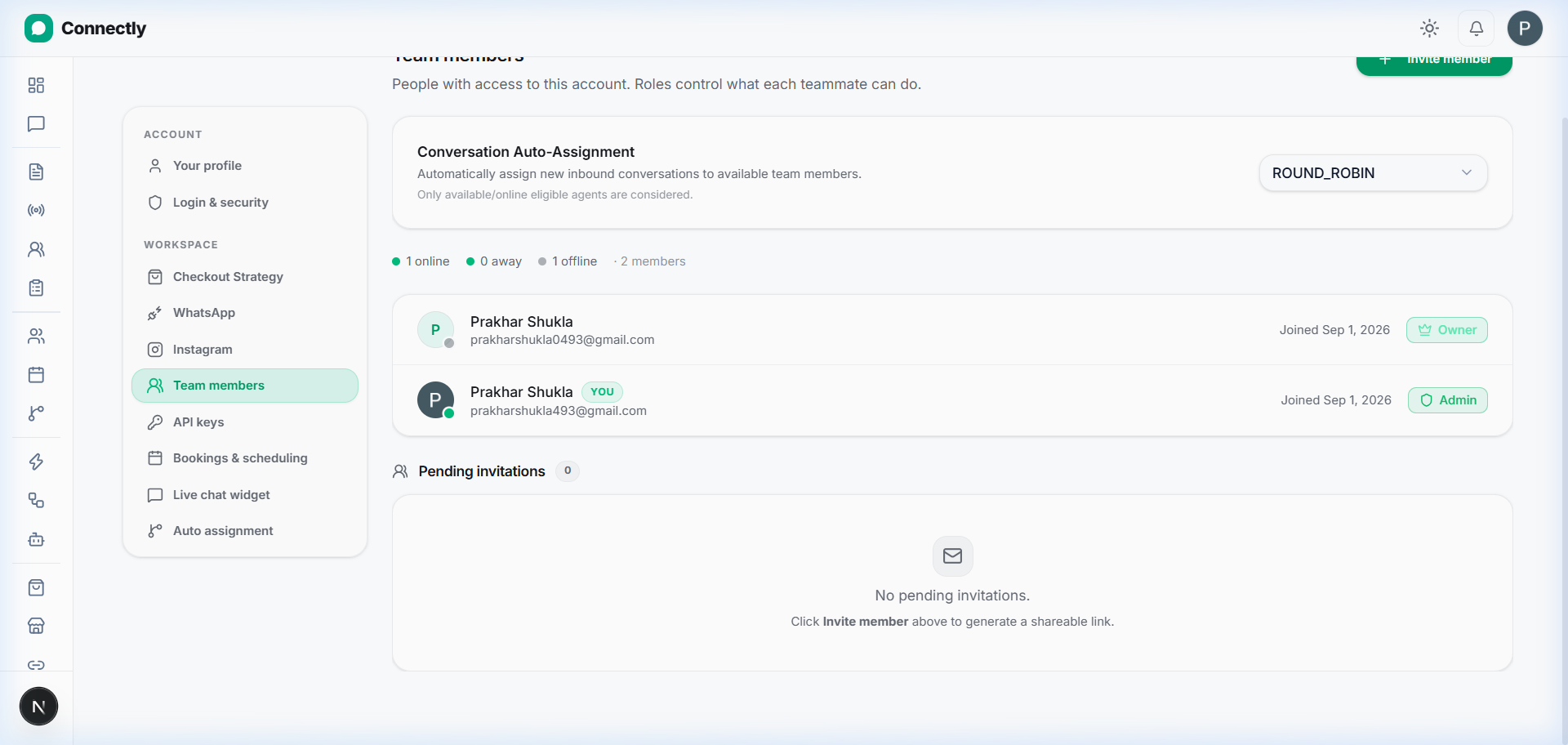
UI Preview: Manage team members and invite new agents to your workspace.
2
Send an email invitation
Click Invite Member. Enter the teammate's email address and choose their role.
3
Understanding Team Roles
Owner: Full control over workspace, billing, integrations, and deletion.
Admin: Can create templates, broadcasts, automations, and manage team members.
Agent: Can reply to conversations in Inbox, view contacts, and manage assigned deals.
Viewer: Read-only access to dashboard and analytics.