
Create Your ReplyEarly Account
Follow this step-by-step guide to register your business workspace on ReplyEarly.
You can start with Google sign-in or use your corporate email address to create your workspace instantly.
1
Fill out your signup details
Navigate to the ReplyEarly registration page. Enter your full name, work email address, and secure password. Click Continue to proceed.
app.replyearly.com
Signup UI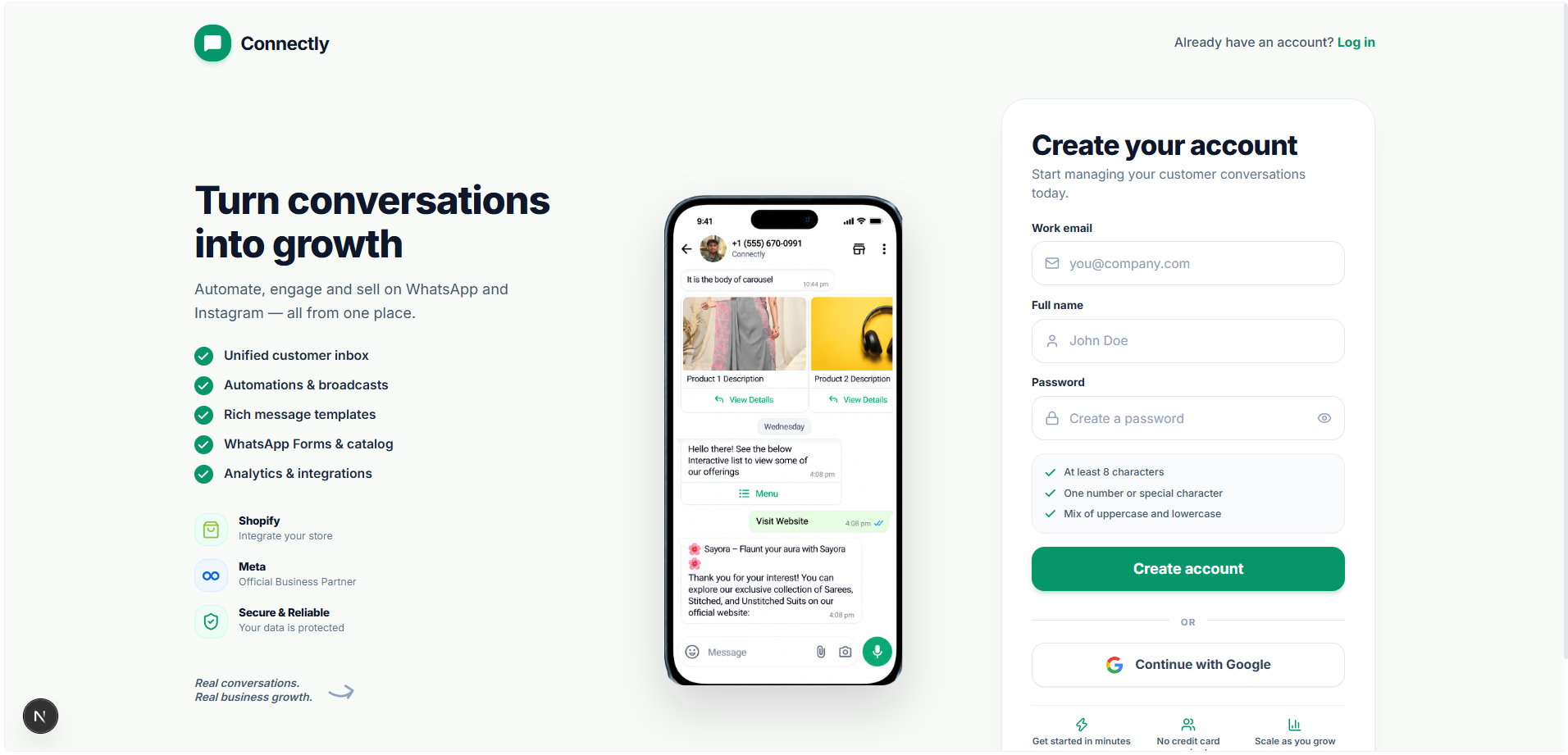
UI Preview: Register your account with your business email.
Pro tip: Use your business email address so team members can easily join your organization domain.
2
Configure your workspace details
Enter your official company name, industry type, and default currency. Your workspace name will identify your account across team invitations and API credentials.
3
Choose your messaging plan
Select a messaging plan that matches your monthly WhatsApp volume. Free trial accounts include initial test messages and full platform access.