
Dashboard Overview
Understand how to read key metrics, track messages, and navigate your ReplyEarly workspace.
Use the top-right date filter on your dashboard to view performance over the last 7 days, 30 days, or custom date ranges.
Metrics Overview
The top header displays essential real-time statistics:
- Total Contacts: The number of audience profiles stored in your CRM.
- Messages Sent: Total WhatsApp messages dispatched across broadcasts and automations.
- Open Conversations: Active customer chat threads requiring agent response.
- Revenue Generated: Sales tracked through WhatsApp order workflows.
app.replyearly.com
Dashboard UI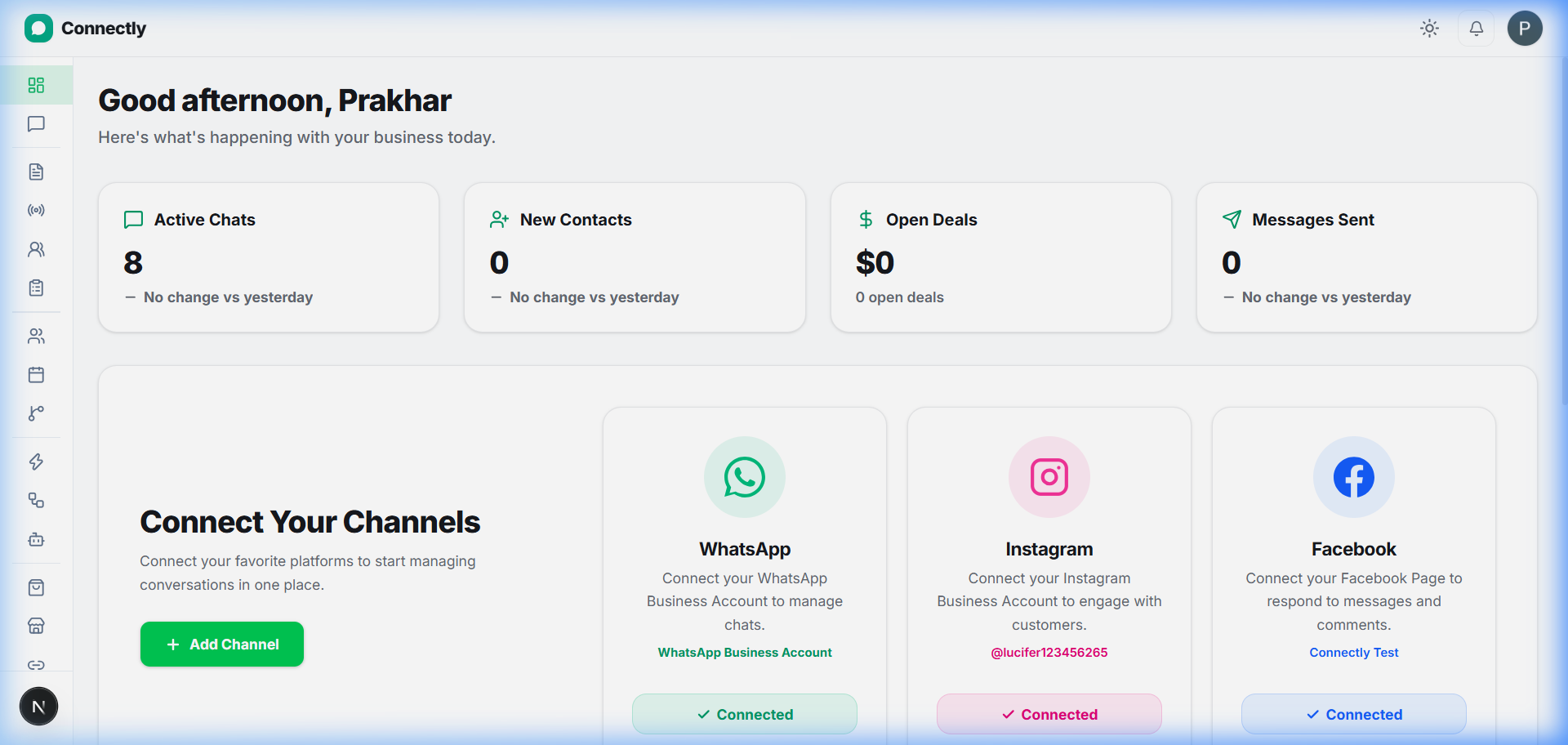
UI Preview: The main ReplyEarly dashboard showing performance widgets and recent conversations.
Recent Conversations
Click on any conversation in the recent chats widget to open the full Inbox thread and reply directly to your customers.