
Template Rejection & Troubleshooting
Diagnose why a WhatsApp template was rejected by Meta and learn how to format and re-submit it successfully.
Avoid URL shorteners (like bit.ly or tinyurl) or spelling errors in variable placeholders, as Meta automatically rejects these for security reasons.
Common Rejection Reasons
1. Category Mismatch
Submitting a promotional or discount message under Utility instead of Marketing.
2. Invalid Variable Formatting
Missing sample values, non-sequential numbers (e.g. {{2}} without {{1}}), or floating variables at the start/end of a line.
3. Prohibited Content
Messages containing gambling, adult content, regulated products, or deceptive claims.
How to Fix & Re-submit
Click Edit on any rejected template in your ReplyEarly Template Manager. Update the category, correct variable formatting, and click Re-submit to Meta.
app.replyearly.com
Edit UI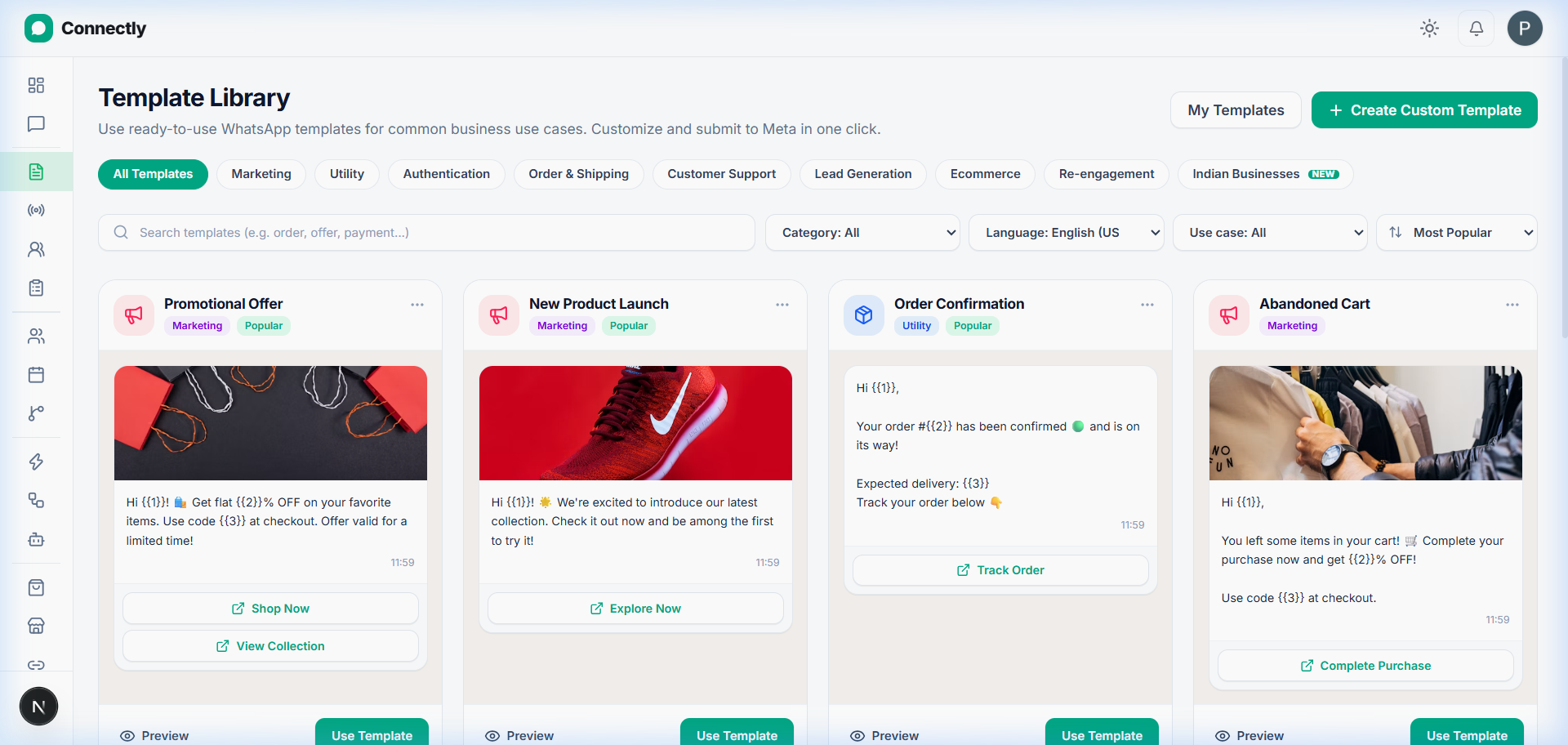
UI Preview: Edit rejected template details and re-submit for Meta approval.