
Meta Template Submission & Approval Statuses
Understand how Meta evaluates submitted message templates and how ReplyEarly tracks approval statuses automatically.
Meta Submission Process
When you click Submit to Meta for Approval, ReplyEarly calls the Meta WhatsApp Business API directly. Your template is stored in Meta Cloud and queued for automated compliance review.
Template Approval Statuses
Approved
Ready to use in live broadcasts, automations, and flows.
In Review
Currently undergoing automated or manual review by Meta.
Rejected
Violates Meta messaging policies or format guidelines.
Paused
Temporarily paused due to negative recipient feedback rate.
Syncing Templates from Meta
ReplyEarly receives real-time Webhook updates from Meta when a status changes. You can also click Sync with Meta on your templates page to refresh statuses manually anytime.
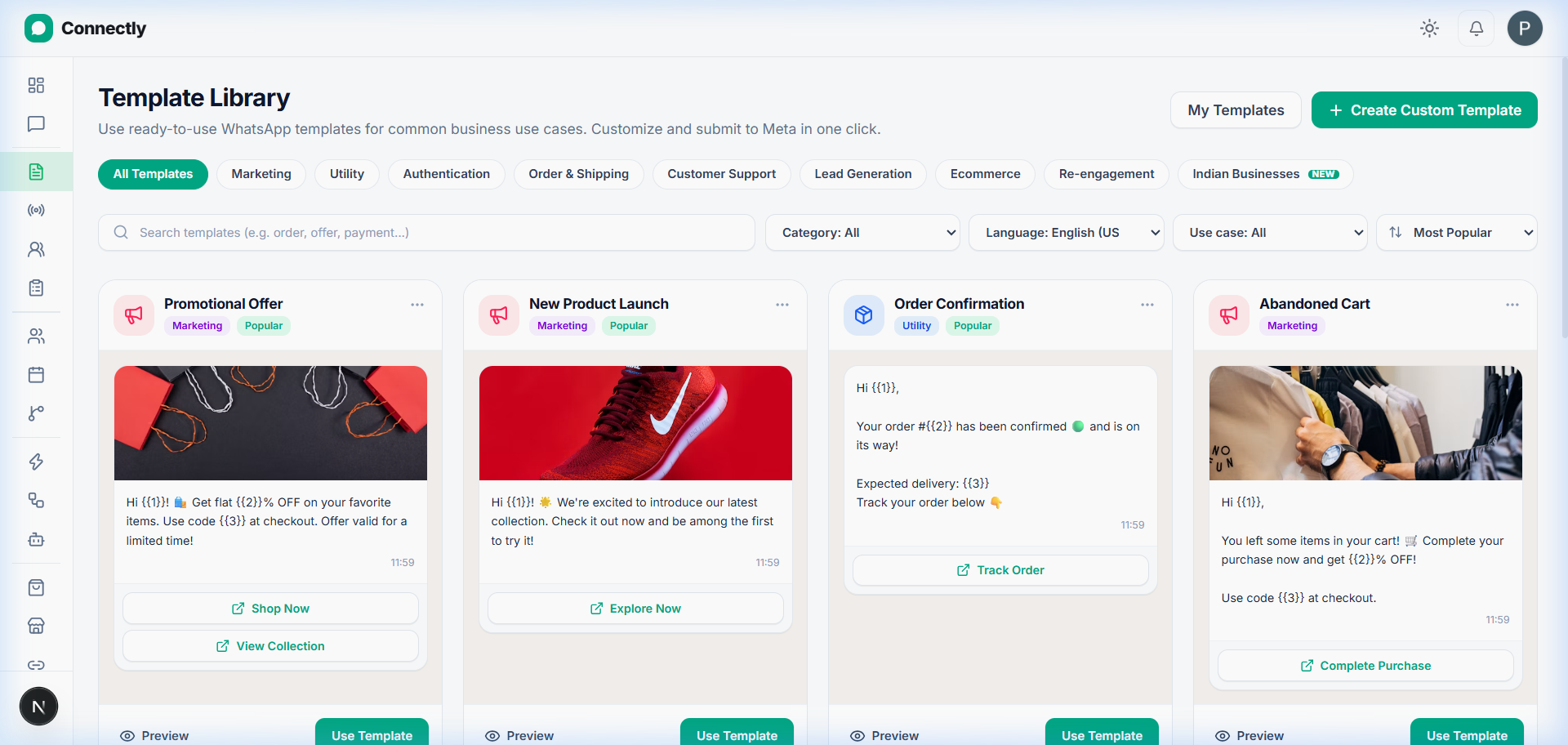
UI Preview: View live template statuses or click Sync with Meta to refresh.